🖼️ Preparing Your App Page in App Stores🔗
Why this matters 📌
To change elements of the app page (title, description, screenshots, etc.), you need to release an app update.
Therefore, it is better to carefully plan everything in advance and prepare the final texts before publishing.
If you want to make the page multilingual, this is possible. However:
- you must provide all answers in the required languages;
-
📝 not all languages are supported in all app stores.
For example, the App Store does not have Armenian as a selectable language. However, if the region “Armenia” is selected, the system language will be Russian, while the app itself (if it supports Armenian) will be displayed in Armenian. RBCN products support this.
🧾 What needs to be prepared?🔗
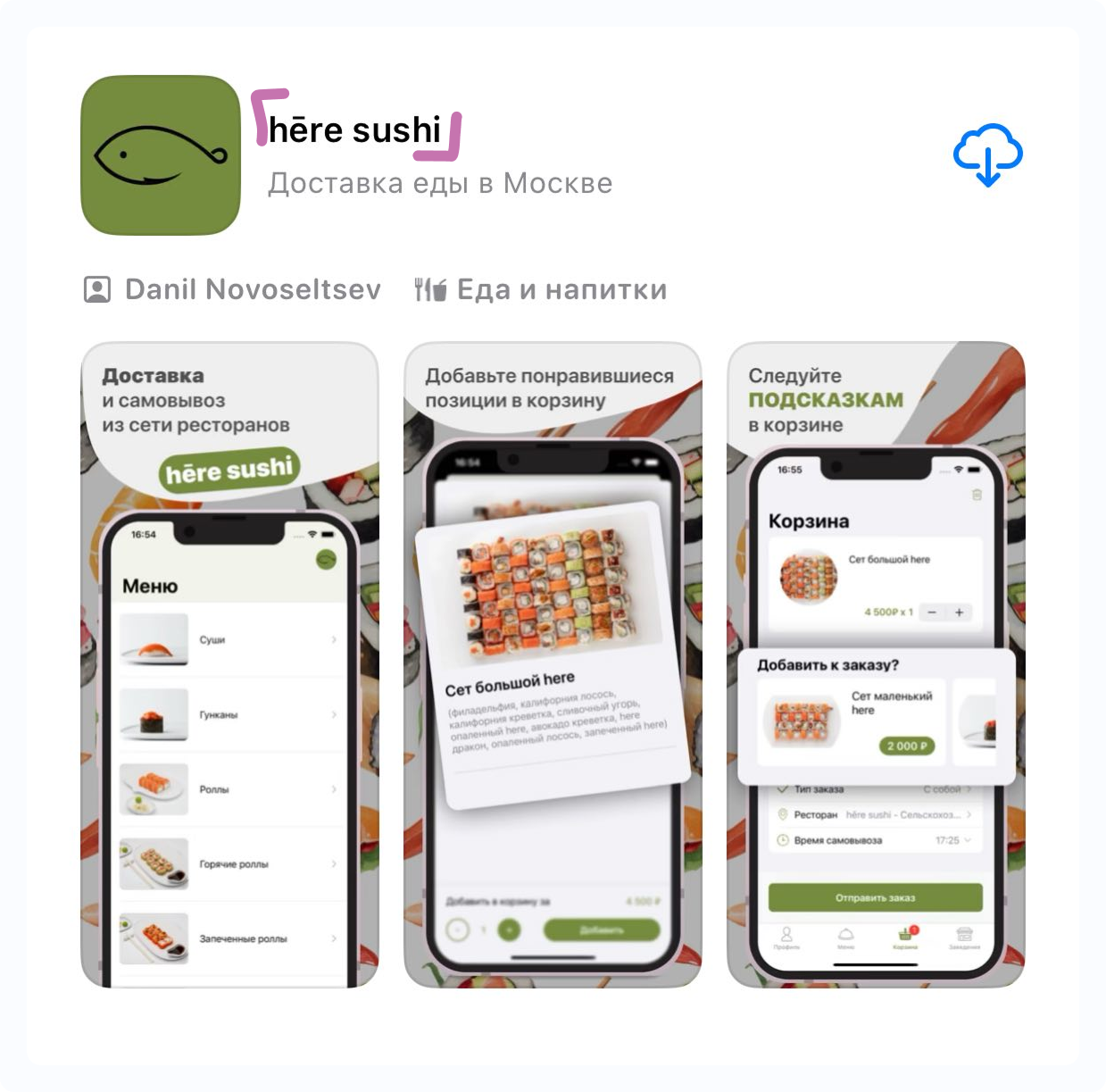
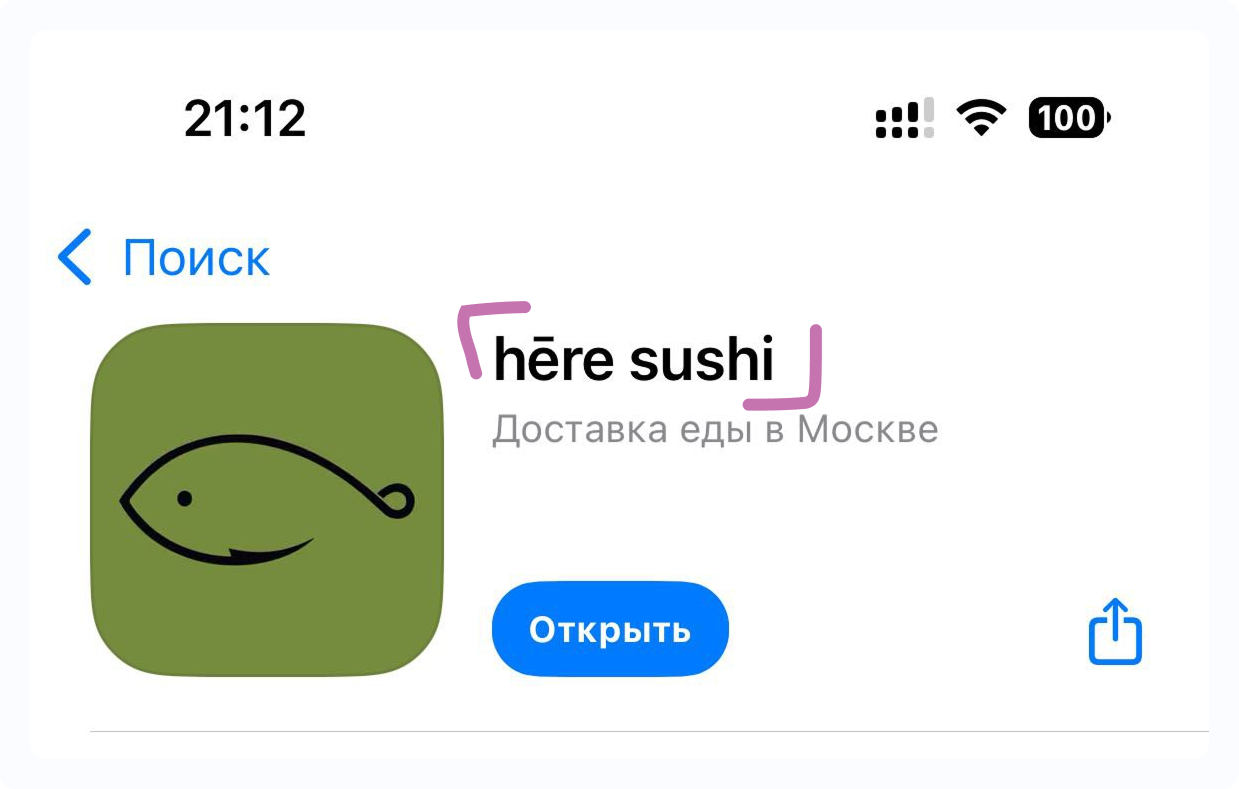
1️⃣ App Store Title🔗
(Displayed in search results and on the app page)
Limit: up to 30 characters
- Armenian:
- English:
- Russian:
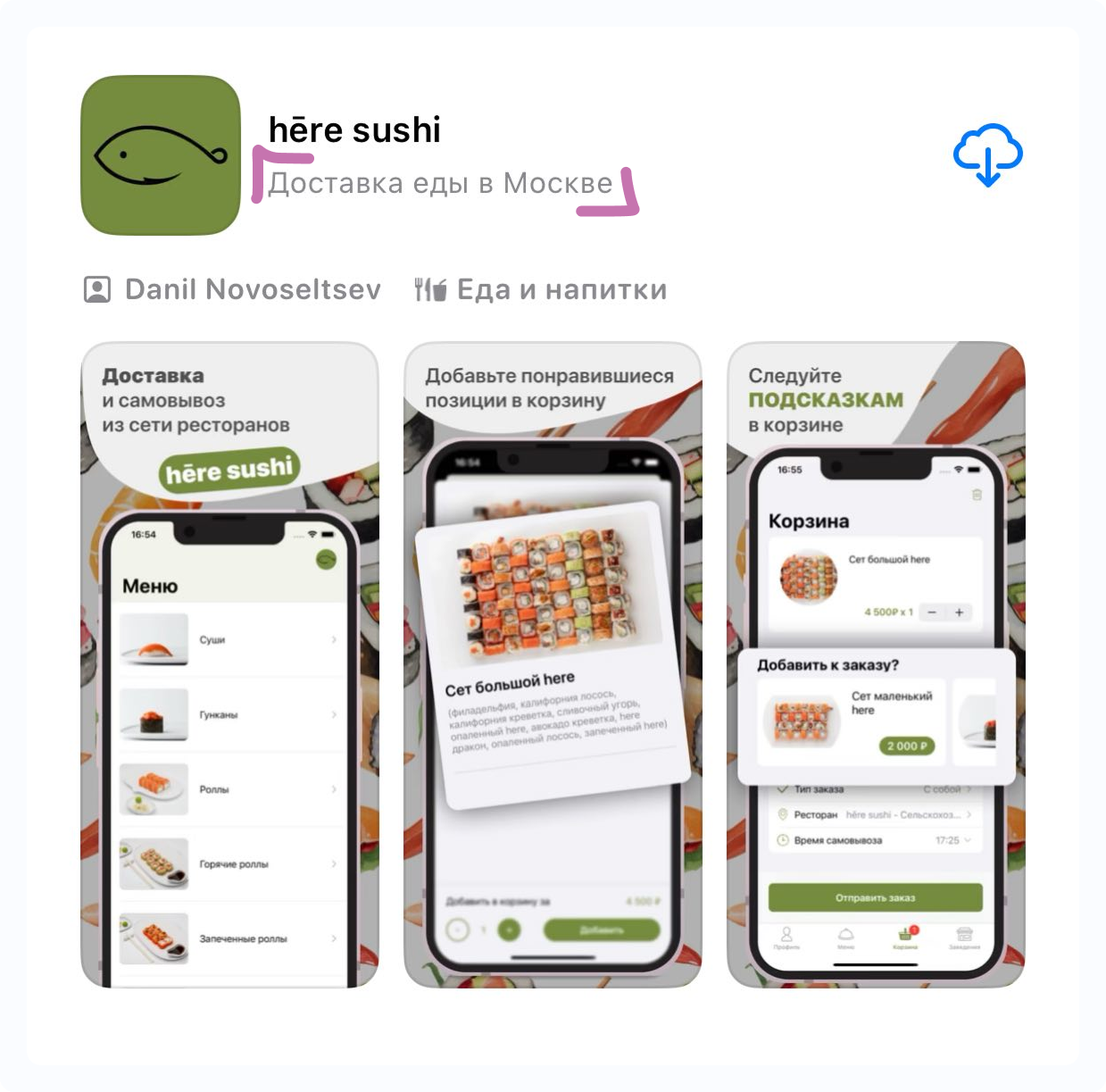
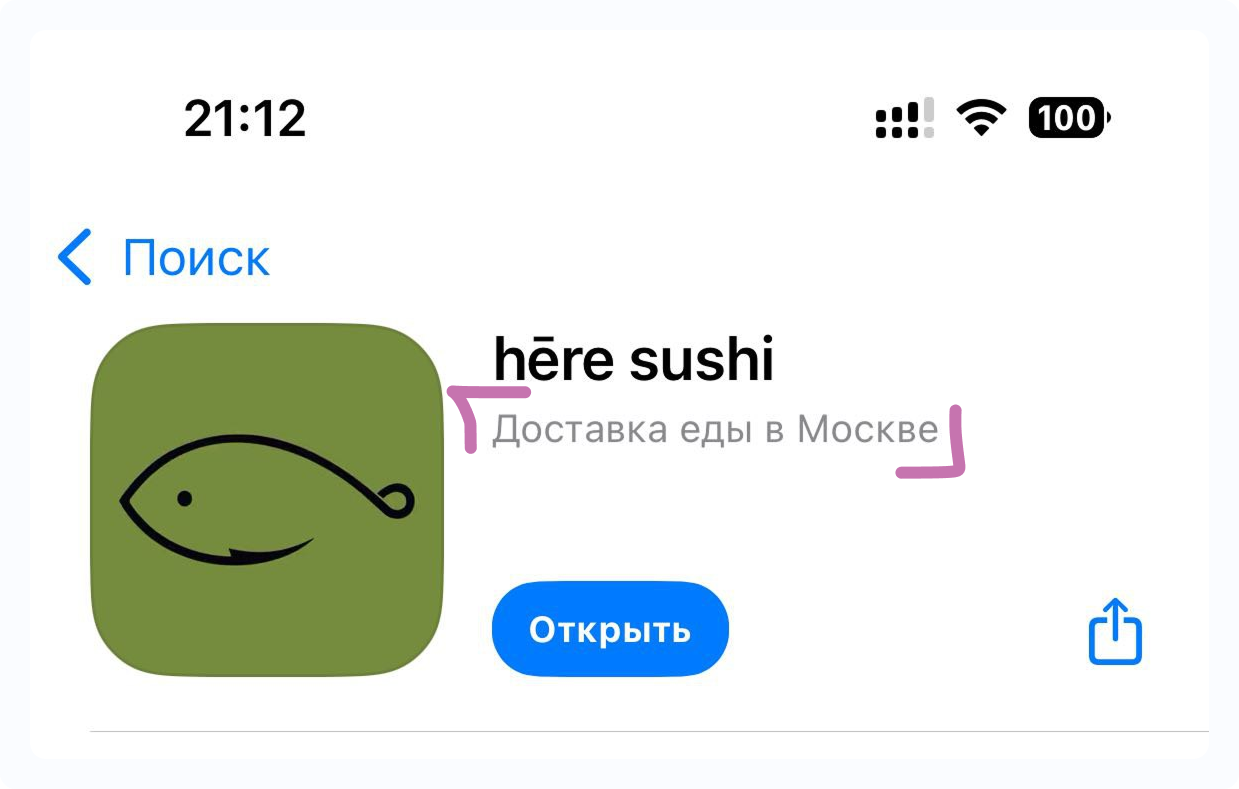
2️⃣ Short Description🔗
(Displayed in search results and on the app page)
Limit: up to 30 characters
- Armenian:
- English:
- Russian:
3️⃣ Full Description🔗
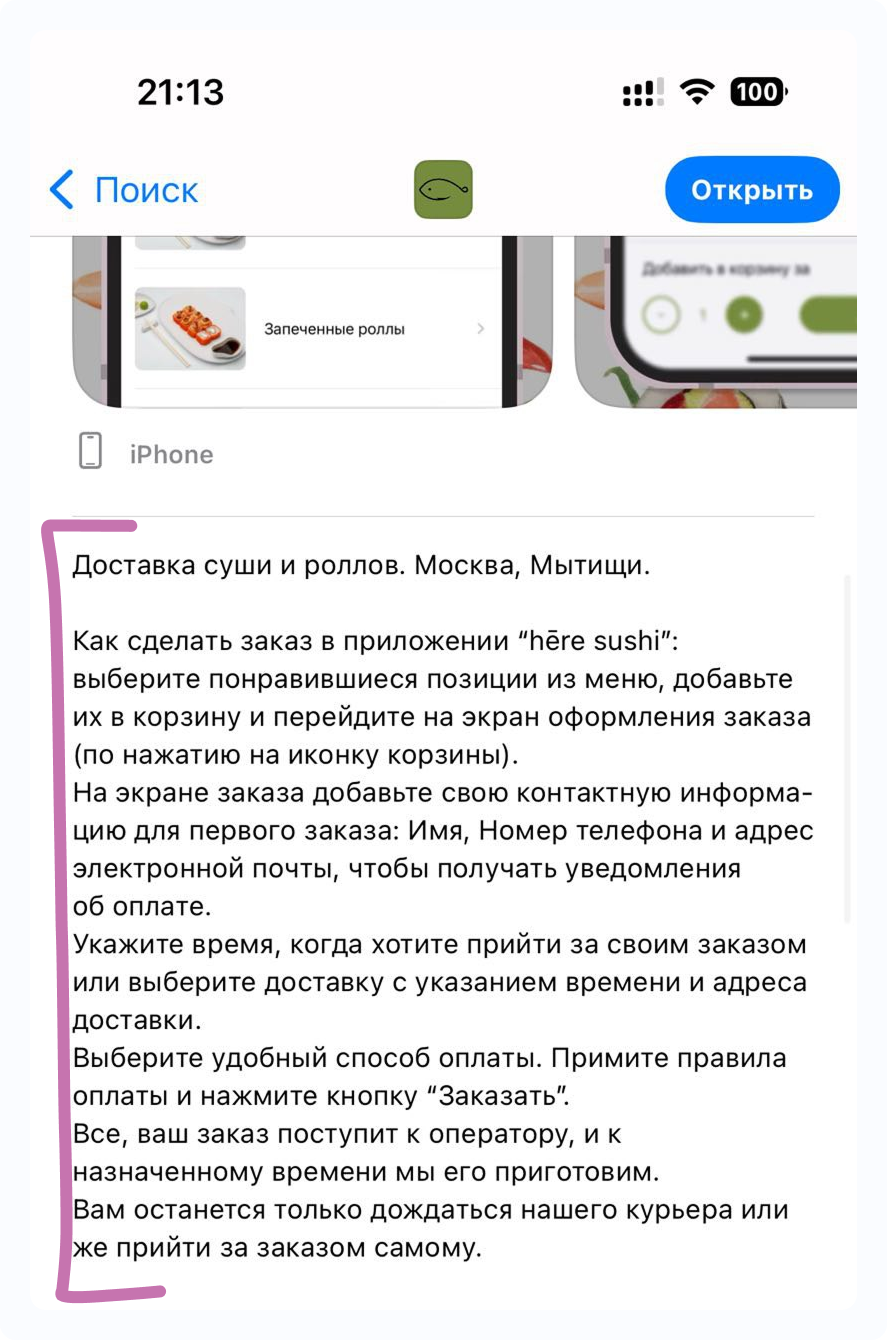
No character limit
Usually this includes a short brand description + standard text, for example:
How to place an order in the “App Name” application: select the items you like from the menu, add them to the cart, and proceed to the checkout screen (by clicking the cart icon).
On the checkout screen, enter your contact information for your first order: name, phone number, and email address to receive payment notifications.
Specify the time when you would like to pick up your order or choose delivery with the desired time and delivery address.
Choose a convenient payment method. Accept the payment terms and click the “Order” button.
That’s it! Your order will be received by the operator, and we will prepare it by the scheduled time.
All that’s left is to wait for our courier or come and pick up your order yourself.
- Armenian:
- English:
- Russian:
4️⃣ Keywords for Search🔗
Limit: up to 100 characters
(Without spaces, separated by commas. For example: delivery,sushi,pizza,pickup)
- Armenian:
- English:
- Russian:
5️⃣ App Screenshots🔗
📸 We prepare the screenshots for you!
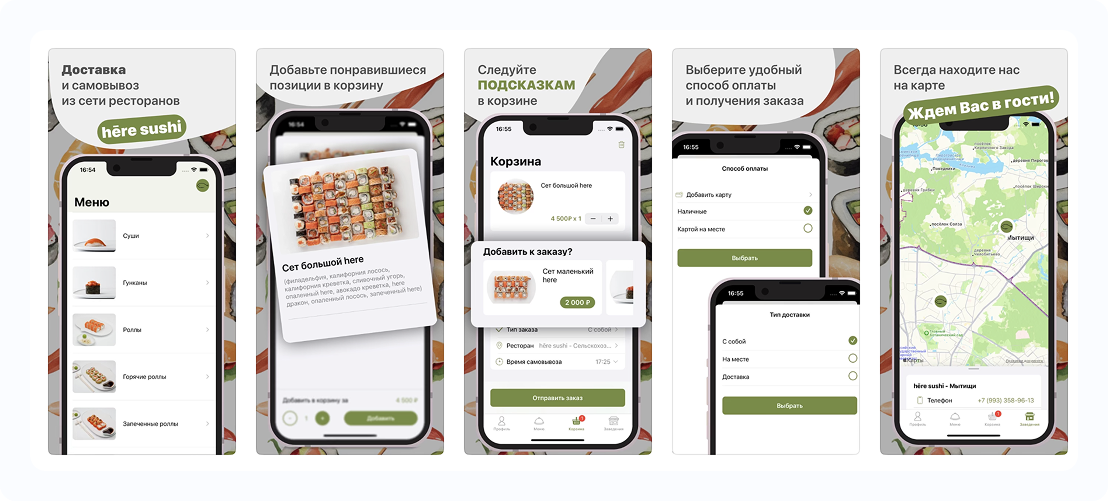
However, if you choose a multilingual page — we will also translate the texts on the screenshots. Below is a template where you can provide translations.
Screen 1
Quick ordering in the /app name/ application
- Armenian:
- English:
- Russian:
Screen 2
Add your favorite items to the cart
- Armenian:
- English:
- Russian:
Screen 3
Follow the TIPS in the cart
- Armenian:
- English:
- Russian:
Screen 4
Choose a convenient payment and order method
- Armenian:
- English:
- Russian:
Screen 5
Always find us on the map /// We look forward to seeing you!
- Armenian:
- English:
- Russian:
Screen 6
Participate in our LOYALTY PROGRAM
- Armenian:
- English:
- Russian: